Free Online Audio Tools

Use our free online audio tools to trim MP3 files, merge audio tracks, increase or reduce volume, convert speech to text, and generate text to speech instantly. FileConvert Audio Tools work directly in your browser without software installation.
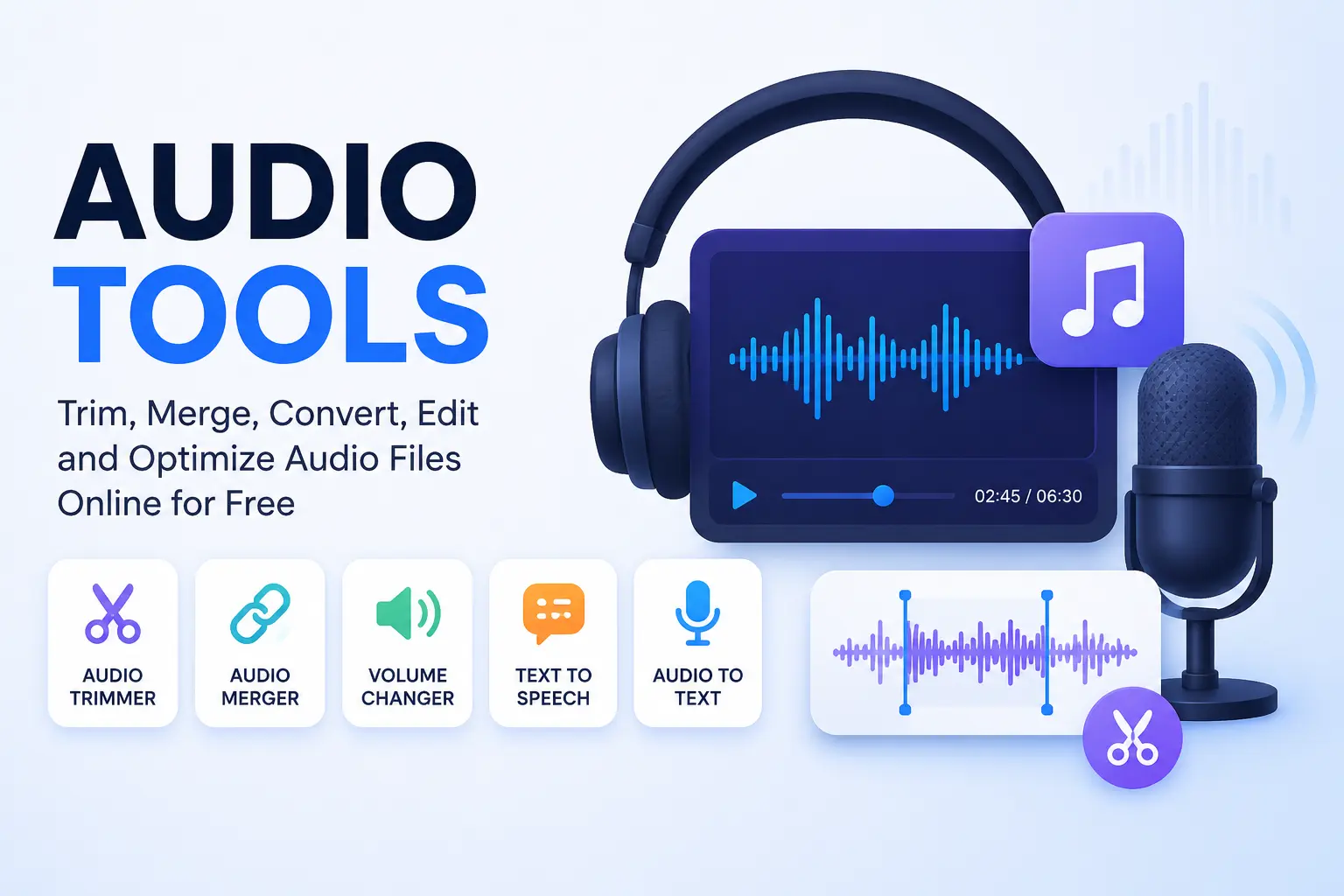
Free Online Audio Tools

Why Use FileConvert Audio Tools?

Browser Based Processing

All audio tools work directly inside your browser without software installation.

Fast Audio Editing

Trim, merge, and process audio files instantly with responsive controls.

Secure Audio Processing

Your files remain private because audio processing happens locally in the browser.

Mobile Compatible

Use FileConvert Audio Tools on Android, iPhone, tablets, and desktop devices.

About Online Audio Tools

Audio tools help users edit, convert, process, and optimize audio files online. These tools are useful for creators, podcasters, students, teachers, musicians, developers, marketers, and accessibility users.

You can use FileConvert Audio Tools to:

How to Use Audio Tools Online

  1. Select the audio tool you want to use.
  2. Upload your audio file or enter text if required.
  3. Adjust settings and process the file.
  4. Preview or download the result instantly.

Frequently Asked Questions

What are audio tools?
Audio tools help users trim, merge, edit, convert, transcribe, and process audio files online.
Are FileConvert Audio Tools free?
Yes. All FileConvert Audio Tools are completely free to use online.
Do audio tools work on mobile devices?
Yes. All tools work on Android, iPhone, tablets, and desktop browsers.
Are my files uploaded to servers?
No. Most processing happens locally inside your browser for better privacy.